A colleague sends a six minute voice message while you sit in a meeting without headphones. Or you need a clip for a story and have nothing to film. Telegram has AI bots for each of these jobs, and each is good at one thing.
Here are six of them, sorted by task: images, video, voice generation, voice transcription and general chat. No single winner exists, so pick by scenario.
What shifted in the past year
- 🎬 Video with sound. Models like Veo 3 produce a clip with footsteps, wind, music and spoken lines in one file. Clips run about eight seconds, enough for an ad insert or a meme, not for a film.
- Describe the scene in detail: who is in frame, where, what happens, what we hear.
- 🎙️ Transcription inside Telegram. Telegram Premium includes voice message transcription and short summaries. If you already pay for it, a separate bot only earns its place with long recordings, file export or translation.
- 🔁 Reseller bots. Many sell access to other companies' models behind their own checkout and limits. Prices drift, and quality depends on which model the owner plugged in this month.
💡 Compare bots on the same material: one photo, one phrase to voice, one voice message from a work chat. Ten minutes is enough to cross out the wrong ones.
Six bots for six jobs
| Bot | Job | Payment |
|---|---|---|
| PROTOGEN | images, photo animation | internal energy, free starter amount |
| VEO3 Video Generation | clips with sound | balance counted in videos |
| Musebox AI | short text to video | credits or subscription, free tries |
| Silero TTS | text to speech | free with limits, subscription removes them |
| Voicy | voice to text | first minute free, then Voicy Pro |
| FLik AI Bot | chat, images, video, audio | subscription in the bot's shop |
PROTOGEN: images and photo animation
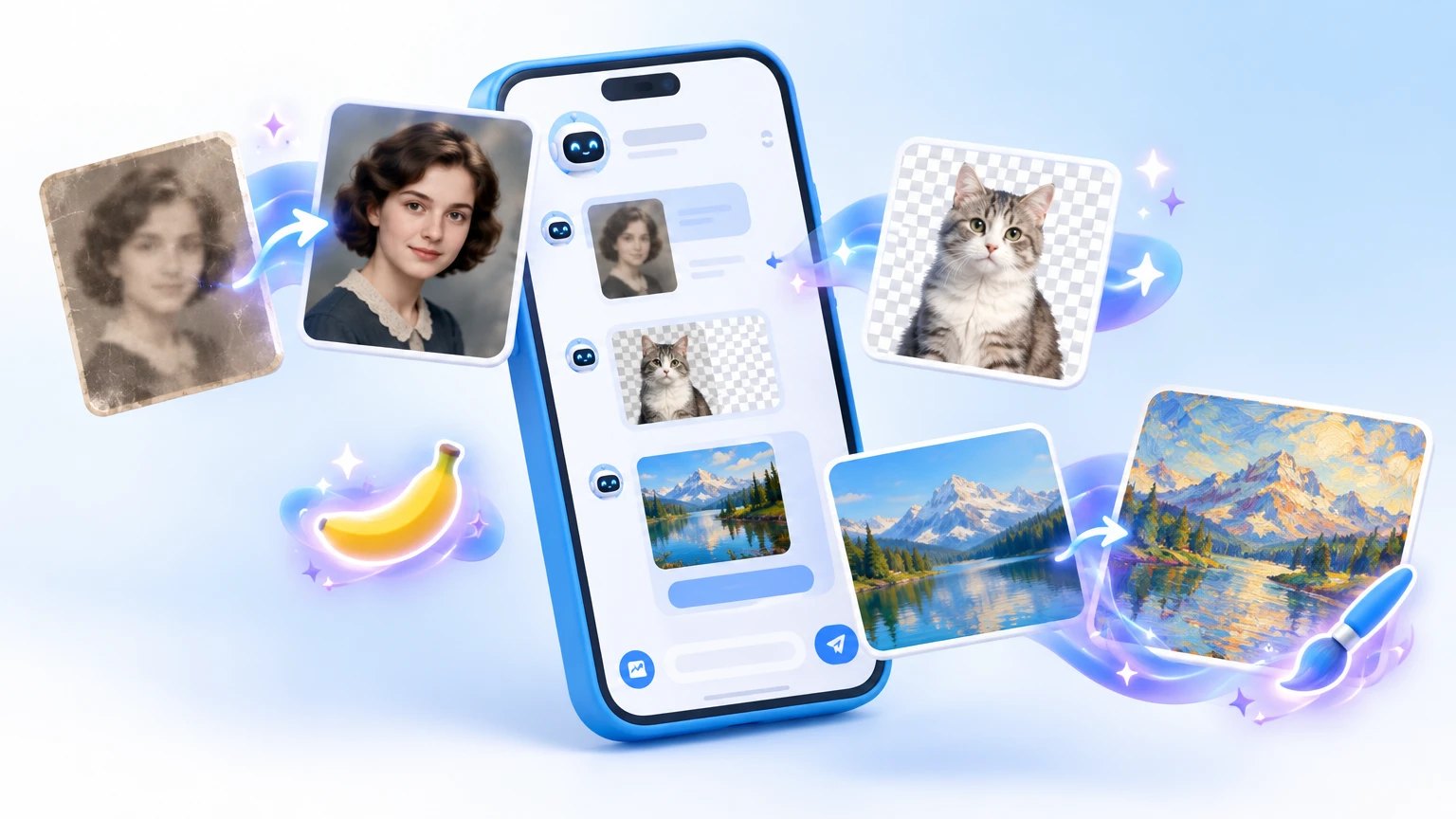
One menu for art from a description, photo animation, simple video editing and trending effects. It has over 700 thousand active users a month, so expect a queue at peak hours.
- ✅ Does: draws from text and animates photos
- each action costs energy, and video costs more than a picture
- newcomers get a starter amount, enough for a few tries
- 👤 Fits: greeting cards, gifts and blog covers
- ⚠️ Downside: fingers, signs and small details sometimes come out wrong, and you cannot control every pixel
- 🔒 Data: the bot asks you to accept its terms and personal data policy first. Upload only your own pictures, never documents
VEO3 Video Generation: clips with sound
This bot connects to Veo 3 and turns a description into a short clip with audio. The interface is in Russian and runs from a menu. The balance is counted in videos: one generation spends one.
- 🎯 Best results: name the characters, place, action, camera move and sound
- keep spoken lines short and in quotes
- 🛠️ Maker: an independent developer, not the model's creator. The audience is modest, about 19 thousand a month, and support goes through the profile contact
- 💸 Caution: buy the smallest pack and make one test clip first
Musebox AI: video as a mini app
Another text to video generator, packaged as a mini app. You can try it free, then it runs on credits or a subscription, possibly paid in Telegram Stars. Current prices show inside the app.
- 🎁 Free attempts: spend them on testing wording
- the description says little about the model or clip length
- build a complex story from several short clips
- 📌 For ads: read the terms of use before publishing
Silero TTS: a voice for any text
The bot comes from a team that builds its own speech synthesis models. It has more than 2,500 voices in Russian and English.
- ✅ Settings: voice, HD quality, pace and tone through commands
- the answer can arrive as a file
- it can revoice your own voice messages and video circles
- 👤 Used by: video authors, channel admins, people training their English ear
- ⏱️ Limits: the free mode caps the number and length of clips, a subscription lifts the caps
- ⚠️ Ethics: do not pass a synthetic voice off as a real person
Voicy: voice messages and circles to text
The most down to earth bot here. Forward a voice message, audio file, video or circle and text comes back.
- ✅ Does: recordings up to eight hours, a short summary, translation
- export to Word, PDF, TXT and Markdown
- turns an ordinary video into a circle and sends voice memes from the input line
- 💸 Price: the first minute is free, then Voicy Pro
- 🔒 Privacy: source files are deleted within a day, text is kept up to thirty days. Keep passwords, card numbers and medical details out
FLik AI Bot: everything in one chat
GPT dialogue, images through Midjourney and DALL·E, video through Kling, Luma and Hailuo, face swap and audio tools. The subscription lives in the bot's shop, with promo codes and a referral program.
- ✅ Plus: no hunting for a separate service per task
- ⚠️ Minus: you depend on one intermediary, its prices and its limits
- the audience is far smaller than the leaders here and we found no independent reviews
- start with the free start and small payments
- 🔒 Faces: swap faces only in your own photos or with the consent of the people shown
Keeping your money and data safe
- Name the task first: transcription, voice, images and video need different models.
- Spend starter energy, the free minute and trial attempts on your own material.
- Buy the smallest pack. Balances in energy, clips or credits are hard to refund, so skip months of prepayment.
- Read what the bot says about data: an uploaded photo or audio file lands on someone else's server.
- If you publish a generated clip or voice, tell your readers.
⚠️ Animating or swapping a face without consent violates that person's rights and may be illegal. A chatbot sounds convincing even when wrong, so check figures and dates against a primary source.
Voicy for voice messages, Silero for narrating posts, PROTOGEN for pictures, the Veo 3 bot for video with sound. Keep Musebox for experiments and FLik AI Bot for comparing models. Pay only for what survived the free tests.