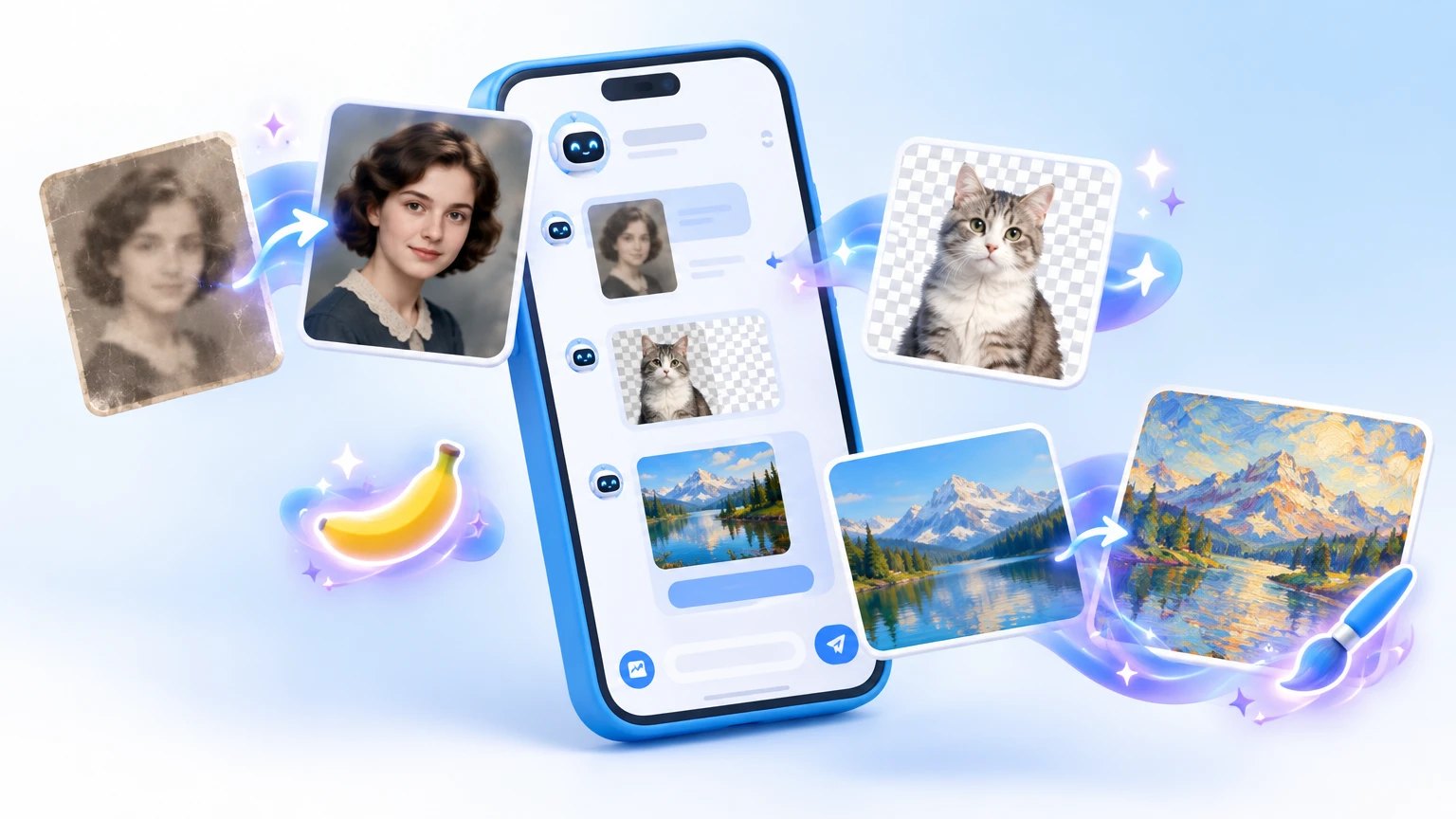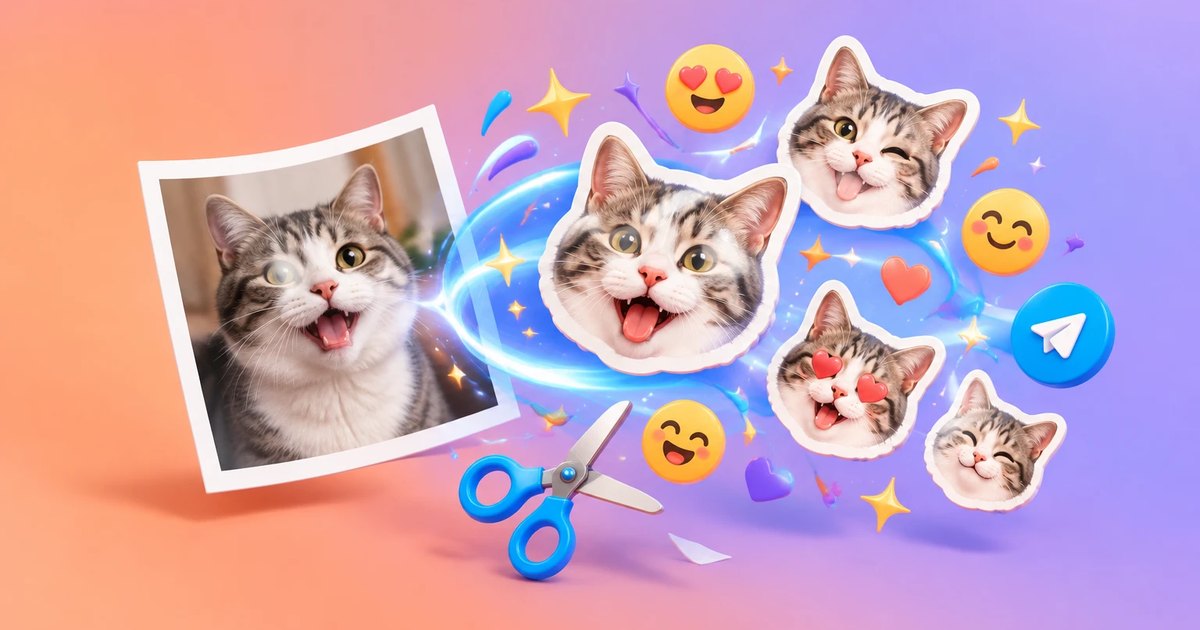
A friend sends a funny trip photo and it begs to be a sticker. You open the official Telegram sticker bot and hit sizes, formats and manual cropping. Ten minutes later the photo is back in your gallery.
Third party bots handle the technical side. Here are six: some cut stickers from your photos and video, one draws you in an illustrated style, one builds headlines from emoji, and one finds packs other people made.
When the built-in editor is enough, and when it is not
Since 2024 the Telegram editor can turn a photo into a sticker by itself. For one or two images that is plenty.
A bot helps when a pack comes from video, a background has to go fast, a channel needs custom emoji, or you want your face drawn. Millions of public packs exist, and the built-in search mostly surfaces the popular ones.
- 🎨 Custom emoji: sit in a line of text like a normal character but look like your own picture
- Everyone can see them
- Sending them in ordinary chats and channels takes Telegram Premium
- Without a subscription you can test them for free in Saved Messages
- 🎞️ Video stickers: the bot fits file size and format, so no manual fiddling
⚠️ A face on a sticker is personal data, paid generations add up, and other people's pictures and characters can bring copyright trouble. Details sit under each bot below.
The six bots at a glance
The order runs from the most all-round tool to the narrowest. It is not a leaderboard, since each bot has its own job.
| Bot | Job | Watch out for |
|---|---|---|
| fStik | Packs and emoji from photos, video, GIFs | Best with a high-contrast subject |
| Literally Me | Stickers and photo shoots with your face | Paid, needs face photos |
| Stickers Pack | Three sticker types and an emoji font | Some features cost money |
| EmojiTitleBot | Emoji headlines for posts | Sending needs Premium |
| Stickers wiki | Catalog of packs by theme | Depth varies by theme |
| Hypestick | Drawn sticker from a photo | Pay in Stars, first try is free |
fStik: a sticker pack from a photo in a minute
The most used bot here, with close to half a million people a month. Send a photo, video or GIF and it fits the file to the right size and format.
- ✅ Does: stickers, custom emoji, video stickers
- Creates a pack and lists your packs
- Removes a background and makes a round video
- Downloads the original sticker file or turns it back into a plain image for a post
- Traces a sticker's source and opens a catalog of other people's packs
- 👤 Good for: beginners and anyone curating a collection
- ⚠️ Downside: background removal struggles with busy shots. Put only your own material in the public catalog
Literally Me: stickers and photo shoots with your face
Upload one photo and get a pack of stickers with yourself, sometimes as video stickers. In the second mode a neural network learns your look from ten photos and renders you in different situations.
- 🎯 Modes: a quick pack from one photo, and a full photo shoot
- More than twenty ready themes for the shoot
- Needs sharp photos with one face, no heavy filters, varied angles
- 💸 Price: paid, and exact sums show only inside the bot. Make one pack first and judge the likeness before ordering the expensive shoot
- 🔒 Privacy: you hand over biometric data. The terms open with a separate command, so read them before uploading. Never upload someone else's face without consent, children's faces above all
Stickers Pack: a builder with an emoji font
A plain builder: send an image or clip, adjust the size, crop the frame. It all happens in the chat and nothing needs installing.
- 🛠️ Formats: static, animated and video stickers plus custom emoji
- You can apply a mask with a transparent background
- The emoji font swaps letters for emoji symbols, which gives channel sections an eye-catching headline
- 💸 Payment: the bot has a payment rules command, so some features are paid. Check what and how much before you pay
- 📌 Versus fStik: smaller audience, more focus on formats. Choose by whichever menu feels familiar
EmojiTitleBot: a headline made of animated emoji
Send a line of text, such as the name of a column, and the bot returns a set of emoji that spell it out. Add the set to your account and paste the headline into a post.
- ✅ Does: builds lettering out of custom emoji
- A merge command folds several titles into one pack, so you do not keep ten tiny sets
- 🎯 Example: a cooking channel posts a recipe every Friday. After a couple of weeks subscribers recognise the column before reading a word
- ⚠️ Telegram limit: sending these emoji in ordinary chats and channels takes Premium. Subscribers see the animation without one
Stickers wiki: find a ready pack by theme
This bot finds rather than makes. The main catalog reads like a library with packs sorted into roughly eighty themes. Find a pack, tap a button, get the sticker in chat and add the set.
- 🎁 Inside: anime, cartoons and games, music, animals, memes, holidays
- The mini app has lists of funny, popular and new stickers
- The project claims over a million free stickers and daily additions
- ⏱️ Expect: dozens of packs for popular themes, a handful for niche ones
- 🛠️ Housekeeping: delete unused packs once a month, or the panel turns into a junk drawer. On an old phone pick static and animated sets over video
Hypestick: a drawn sticker from your photo
The narrowest bot with the smallest audience. Upload a shot, type what the sticker should say, and about a minute later you get a drawing in one illustrated style. The project advertises no other styles.
- 💸 Payment: Telegram Stars, inside the bot
- A new user gets one free try
- Extra credits come from invited friends, giveaways and promo codes
- The price of one generation is shown in the bot and can change
- 🎁 When to pick it: a gift sticker for a birthday, a family chat or a work group. For a pack of ten images, the universal bots are cheaper and more flexible
- 🔒 Risk: photos are processed on the operator's server. Keep documents and frames with personal details out of it
Before you upload a face or someone else's picture
If you are sending photos to a neural network service, go through these steps.
- Pick even light, a large face and one person in the frame.
- Check the background: no documents, cards or addresses.
- Make sure the picture is yours and anyone in it agrees.
- Look up the price in the bot and make one test sticker before a big purchase.
- Read how the service stores photos.
💡 A sticker reads well on a small screen when there is air around the subject, the frame is not crowded and the whole pack shares one palette.
One general bot is enough for a first pack. Take a single picture from your gallery and you will see the result in a minute.